FDA Keyword Validator
Check if your FDA subscription keywords will work effectively. The FDA matches text in alerts against your keywords. Choose wisely—only 5 keywords allowed.
How this works
The FDA's system matches your keywords against product names in safety alerts. Keywords must appear verbatim in the alert text. Common pitfalls include:
- Using chemical names instead of brand names (e.g., "acetylsalicylic acid" vs "aspirin")
- Using too specific terms (e.g., "Lisinopril 10mg" vs "blood pressure")
- Using plural forms (e.g., "pacemakers" vs "pacemaker")
Keyword examples
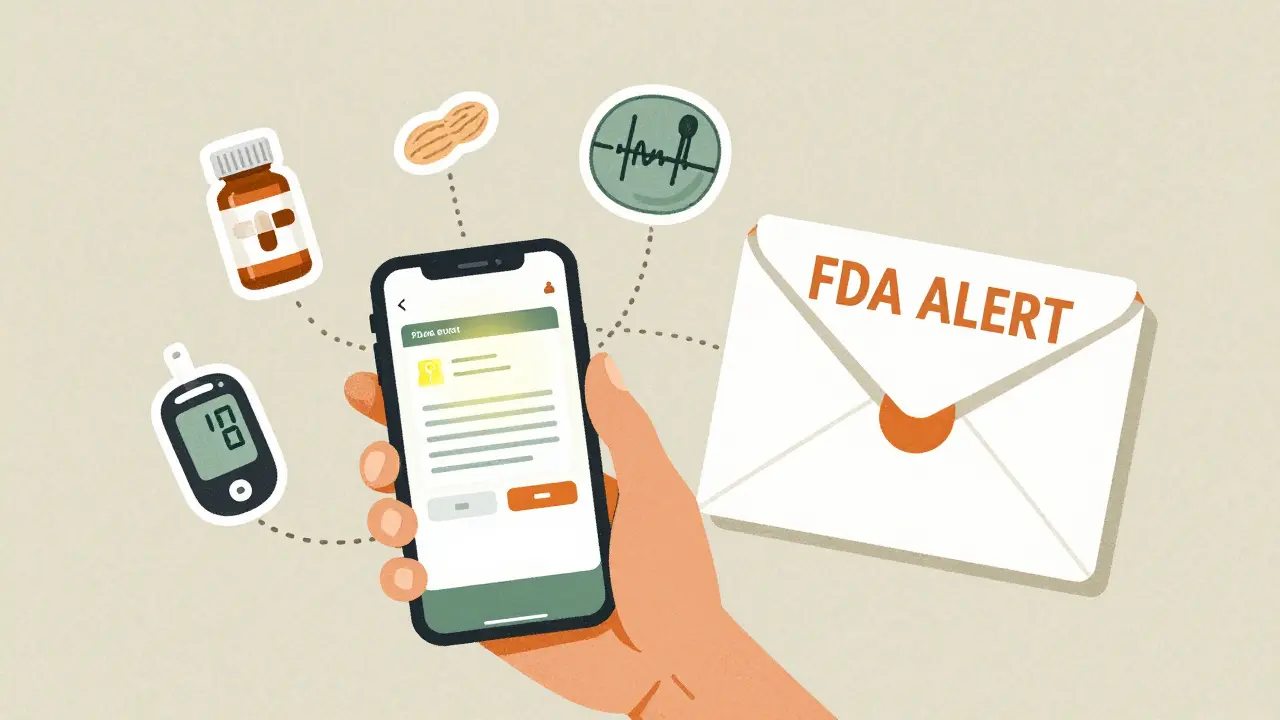
Every year, the FDA issues hundreds of safety alerts about medicines, medical devices, food, and other regulated products. Some of these alerts mean you need to stop using something right away. Others warn you that a device might fail, or a drug could cause unexpected side effects. If you’re a patient, caregiver, or someone who works in healthcare, missing one of these alerts could put your health-or someone else’s-at risk. The good news? You don’t have to guess when something dangerous shows up. The FDA lets you subscribe to real-time email alerts so you’re the first to know.
What Exactly Are FDA Safety Communications?
FDA Safety Communications aren’t just press releases. They’re official, actionable updates sent out when the agency learns something new about a product’s safety. These include recalls, warnings about device failures, changes in how a drug should be used, or even early alerts before a full recall is issued. The FDA doesn’t wait for a product to be officially pulled from shelves to warn the public. If they see a pattern of harm-even if it’s not yet confirmed as a violation-they’ll send out a notice.
In 2022 alone, the Center for Devices and Radiological Health (CDRH) issued 45 safety communications. That’s not counting drug or food alerts. These weren’t random updates. Each one told healthcare providers and patients what to do: stop using a device, check a batch number, switch medications, or seek immediate medical care.
How the Subscription System Works
There’s no complicated sign-up process. You just go to the FDA’s website and pick what you care about. The main system is called the Enforcement Report Subscription Service. It lets you enter up to five custom keywords. That’s it.
Let’s say you have a child with a peanut allergy. You can subscribe to the keyword “peanut.” If any food product-chocolate, cereal, even a supplement-gets recalled for containing undeclared peanuts, you’ll get an email within hours. No scrolling through news sites. No hoping you see a headline.
Or maybe you use a continuous glucose monitor. You can subscribe to the device’s brand name, or even the model number. If the FDA finds a flaw in that specific device, you’ll be notified before you get a false reading or risk a dangerous drop in blood sugar.
For medical devices, there’s a separate subscription option: Subscribe to Medical Device Safety and Recalls. This covers everything from pacemakers to surgical gloves. Since September 29, 2025, this includes all device types. Before that, only certain categories like heart and kidney devices were covered. Now, if you use any implant, monitor, or tool regulated by the FDA, you’ll get alerts for it.
Early Alerts: The Game-Changer
One of the biggest improvements happened in late 2025. The FDA expanded its Early Alert Communications Program to cover every medical device-not just a few. Before, these alerts were limited to devices in five therapeutic areas. Now, if the FDA hears of a potential problem with a ventilator, a breast implant, or even a toothbrush-shaped electric flosser, they can send a warning before the product is officially recalled.
What makes Early Alerts different? They include clear “what to do” instructions. These aren’t vague warnings. They say things like: “If you have this device, contact your doctor immediately,” or “Do not use this batch-return it to the manufacturer.” The language is designed to mimic what a company would send to its customers. That means you get practical advice, not just technical jargon.
These alerts are tied to the FDA’s broader monitoring systems, like FAERS (the Adverse Event Reporting System) and Sentinel, which tracks medication use in over 300 million people. If a pattern emerges-say, 12 people in different states report the same device failure within a week-the FDA can act fast.
Why This Matters for Patients and Providers
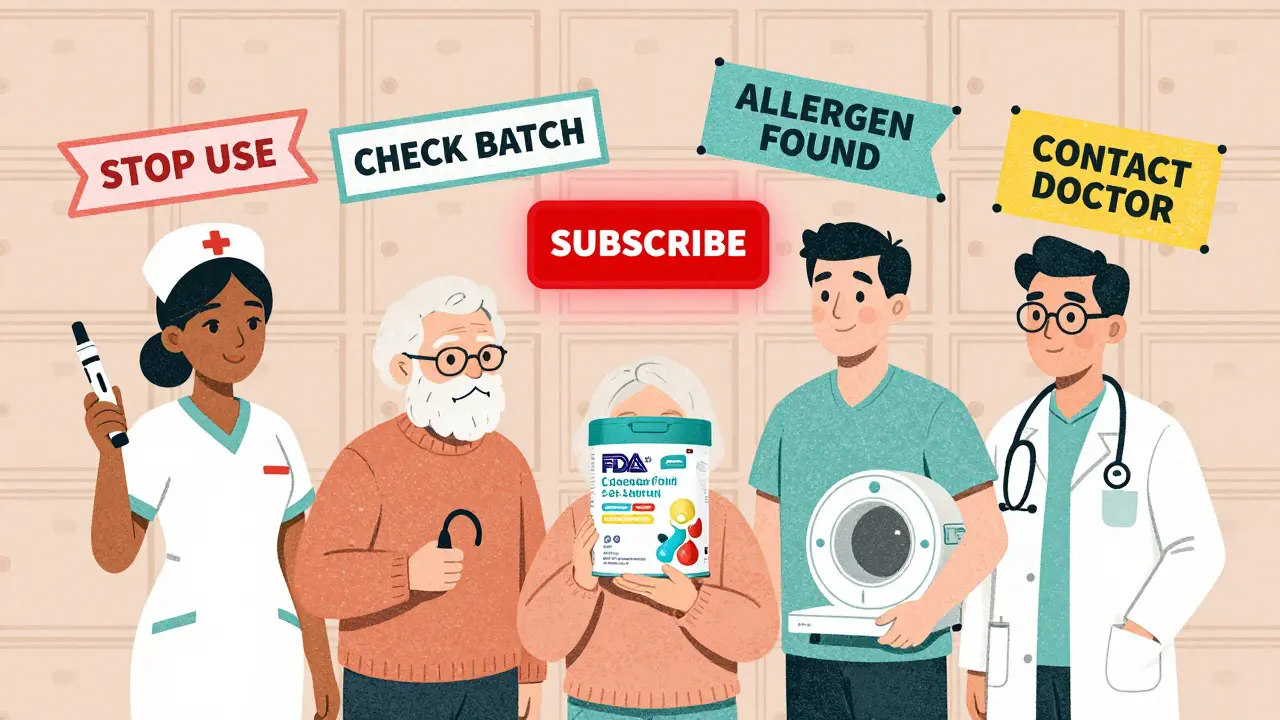
If you’re a patient, this system protects you. You don’t have to remember every drug name or device model you’ve ever used. You just set your keywords and wait for the alert.
For healthcare workers, it’s even more critical. A nurse who sees three patients with the same device malfunction can check the FDA’s latest alert before reporting it. A pharmacist can verify if a new batch of insulin has been flagged. A physical therapist using a home rehabilitation device can confirm whether it’s safe to keep using it.
Manufacturers rely on these alerts too. If you make a device, you’re expected to monitor FDA communications. Ignoring them isn’t an option-it’s a regulatory risk. Many companies now have teams dedicated to checking these updates daily. A single missed alert could mean liability, lawsuits, or a forced recall that costs millions.
What You Can Subscribe To
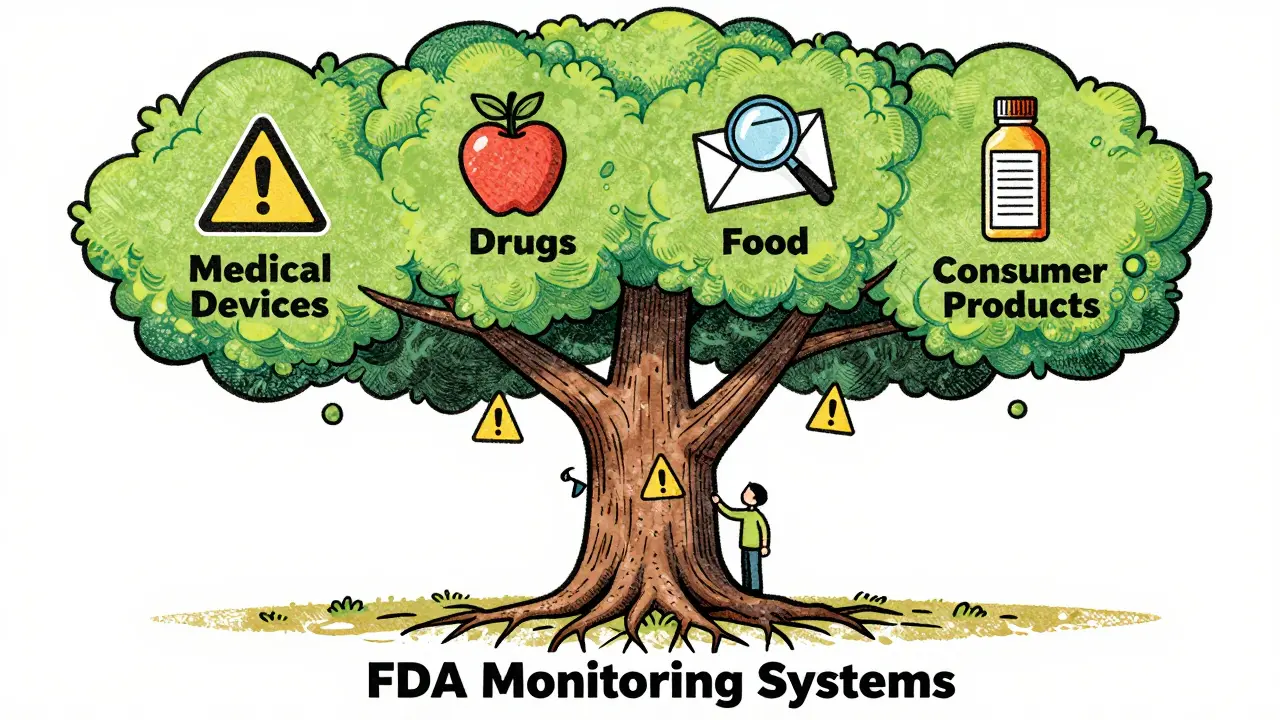
- Medical devices: Any implant, monitor, tool, or equipment regulated by the FDA. From hearing aids to dialysis machines.
- Drugs: Prescription and over-the-counter medications. Includes recalls for contamination, dosing errors, or unexpected side effects.
- Food: Allergens, contamination, or mislabeling. Especially important for people with celiac disease, nut allergies, or lactose intolerance.
- Consumer products: Things like sunscreens, cosmetics, or tobacco products that fall under FDA oversight.
You can pick keywords like: “insulin,” “pacemaker,” “peanut,” “gluten,” “MRI machine,” or even “hearing aid battery.” The system doesn’t care if it’s a brand name, ingredient, or condition-it matches text. So if you’re worried about a specific model number, use that.
What to Do After You Subscribe
Once you sign up, expect your first email within days-or sometimes hours. The frequency depends on your keywords and what’s happening in the real world. Someone who subscribed to “lithium” might get three alerts in a month if there’s a batch issue. Someone who chose “toothbrush” might get none for six months.
Don’t ignore these emails. Open them. Read them. Share them. If you’re a caregiver, print them out and leave them on the fridge. If you’re a provider, add them to your patient safety checklist. These aren’t marketing emails. They’re health warnings.
If you ever stop getting alerts, check your spam folder. Or contact the FDA’s Division of Industry and Consumer Education (DICE). They help people reset subscriptions and fix delivery issues.
What You Shouldn’t Expect
This system doesn’t give you real-time tracking of every product sold. It doesn’t notify you about every minor complaint. It doesn’t replace your doctor’s advice. And it won’t tell you if a product is “safe” overall-it only tells you when the FDA has confirmed a risk.
Also, keywords have limits. If you only subscribe to “aspirin,” you won’t get alerts for “acetylsalicylic acid,” even though it’s the same drug. Use common names, not chemical terms. And remember: you can only pick five keywords. Choose wisely.
Where to Subscribe
Go to FDA.gov and search for “subscribe to safety communications.” You’ll see links for:
- Enforcement Report Subscription Service (all products)
- Subscribe to Medical Device Safety and Recalls
- Drug Safety Communications
- Food Safety Alerts
Click the one that matches your concern. Enter your email. Add up to five keywords. Hit submit. That’s it. No passwords. No apps. No login.
It’s free. It’s fast. And it’s the only way to make sure you’re not the last person to know something dangerous is out there.
Do I need to pay to subscribe to FDA safety alerts?
No, subscribing to FDA Safety Communications is completely free. There are no fees, no premium tiers, and no hidden costs. The service is funded by the U.S. government and designed to protect public health, not generate revenue.
How often will I receive emails?
It depends on your keywords and what’s happening in the market. Someone who subscribed to "insulin" might get 2-5 alerts a year, especially if there’s a recall or manufacturing issue. Someone who chose "pacemaker" might get more frequent updates, especially after new device models are released. Others might go months without an alert. The system only sends emails when there’s a confirmed safety issue related to your keywords.
Can I subscribe to alerts for my pet’s medication?
The FDA only regulates human medications and devices. Pet medications are overseen by the U.S. Department of Agriculture (USDA) and state veterinary boards. While some animal drugs are approved by the FDA, most are not. You won’t get alerts for pet-specific products through this system. Check with your vet or the USDA for animal drug safety updates.
What if I miss an alert? Can I go back and see past notifications?
Yes. All FDA Safety Communications are archived on the FDA website. Go to the FDA’s Safety Communications page and filter by date, product type, or keyword. You can search past alerts going back years. But don’t rely on this. Email alerts are the fastest way to get real-time updates. Archives are for reference, not emergency response.
Are these alerts only for people in the U.S.?
The FDA’s email subscription service is available to anyone with a valid email address, regardless of location. However, the alerts focus on products sold or used in the United States. If you live outside the U.S. and use a U.S.-manufactured device or medication, you should still subscribe. Many international patients and providers rely on these alerts because U.S.-made products are used worldwide.
Next Steps
Don’t wait for a recall to happen. If you use any FDA-regulated product-medicine, device, food, or cosmetic-set up your subscription today. Pick your top five keywords. Think about what matters most: your condition, your device, your allergy, your family’s health. Then click subscribe. It takes less than two minutes. And it might just save your life-or someone else’s.


Jinesh Jain
March 12, 2026 AT 18:12douglas martinez
March 14, 2026 AT 16:15Sabrina Sanches
March 15, 2026 AT 11:13Shruti Chaturvedi
March 16, 2026 AT 08:05Katherine Rodriguez
March 17, 2026 AT 22:06Devin Ersoy
March 18, 2026 AT 10:14Emma Deasy
March 19, 2026 AT 00:18tamilan Nadar
March 20, 2026 AT 23:46Aaron Leib
March 21, 2026 AT 22:48Scott Smith
March 23, 2026 AT 13:02Sally Lloyd
March 23, 2026 AT 13:59Adam M
March 23, 2026 AT 21:49Rosemary Chude-Sokei
March 25, 2026 AT 06:46