DailyMed Label Update Checker
Check how recently a drug label was updated to ensure you have the most current FDA-approved information. DailyMed updates within 24 hours of manufacturer submissions.
Label Update Information
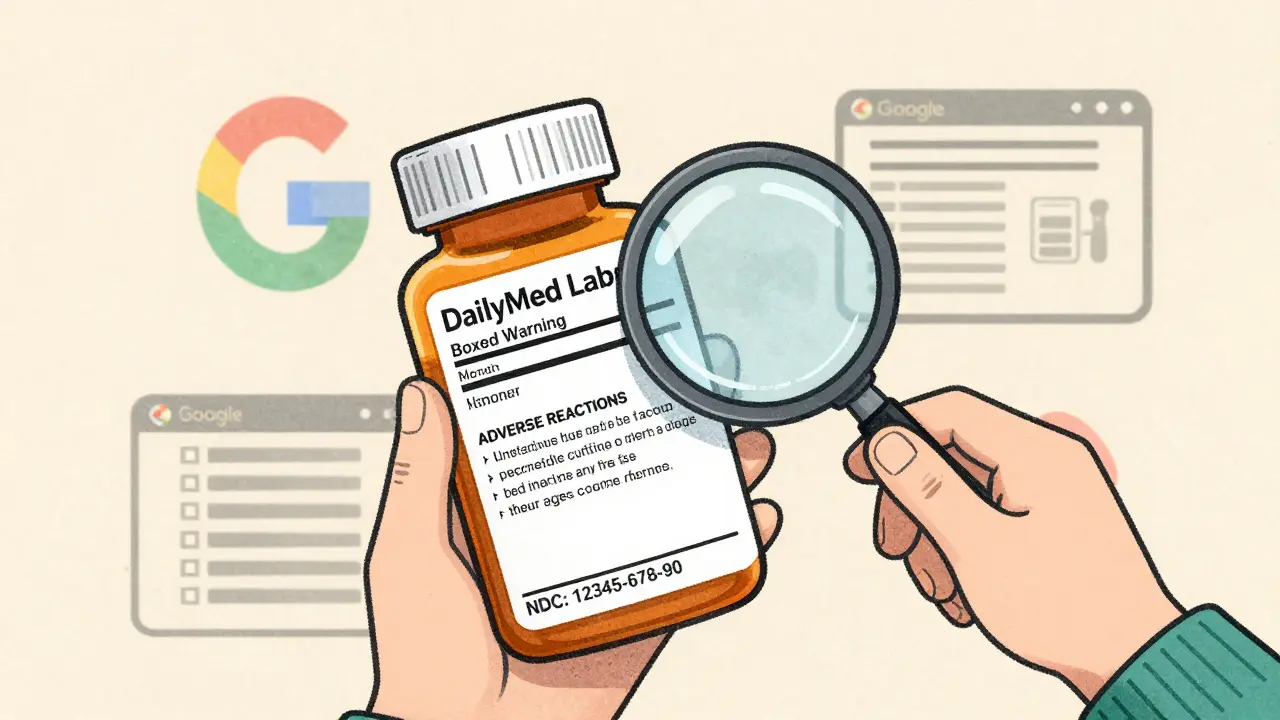
When you need to know the real, current details about a medication-like its full side effects, boxed warnings, or exact dosage instructions-you can’t rely on Google, pharmacy apps, or even your hospital’s internal database. Those sources might be outdated, filtered, or simplified. The only place that holds the official, legally required drug labels submitted directly to the FDA is DailyMed a free, public database maintained by the National Library of Medicine (NLM) that provides the most current FDA-approved drug labeling in Structured Product Labeling (SPL) format. As of October 2025, it contains over 150,000 drug labels, updated daily as manufacturers submit changes. If you’re a healthcare worker, a caregiver, or just someone who wants to understand what’s in that pill bottle, DailyMed is the source you need to learn how to use.
Why DailyMed Is the Only Source You Can Trust
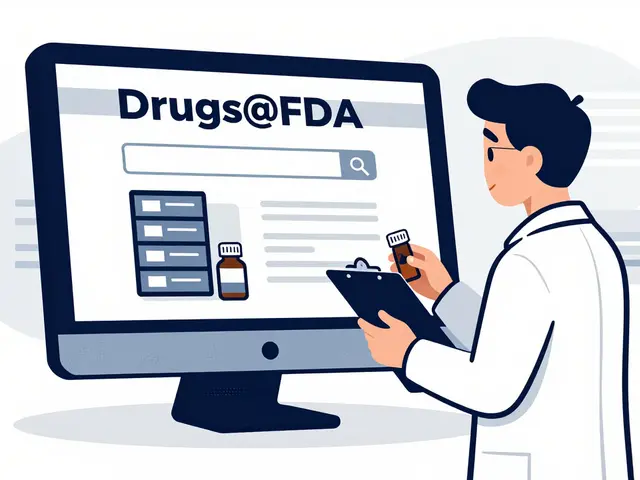
Other sites like Drugs@FDA or the Orange Book give you approval history or therapeutic equivalence-but they don’t show you the actual label that pharmacists use to dispense the drug. DailyMed is different. It’s not a summary. It’s the full, unedited document submitted by drugmakers to the FDA. That includes every warning, every interaction, every reported side effect-even the rare ones that don’t make it into brochures or TV ads.
Here’s what you won’t find anywhere else: the exact wording of a boxed warning, the specific lab tests required before prescribing, or the full list of adverse reactions from clinical trials. The FDA requires manufacturers to update these labels within 30 days of any safety change. DailyMed gets those updates within 24 hours. That’s why 92% of all FDA safety alerts appear here first. If a drug’s risk profile changes, DailyMed is where it shows up before anything else.
How to Search for a Drug Label
Getting to the right label isn’t always obvious. The search bar at the top right of DailyMed’s homepage is your starting point. You can type in:
- The brand name (like Lyrica)
- The generic name (like pregabalin)
- The National Drug Code (NDC)-a 10-digit number on the pill bottle
- The manufacturer’s name
- Or even the SET ID, if you’re troubleshooting a labeling mismatch
After you hit search, you’ll see a list of matching drugs. If multiple versions exist-say, different strengths or manufacturers-each result shows the NDC and the effective date. Always pick the one with the latest Effective Time. That’s the most current version. Don’t assume the first result is the right one. A 75 mg pill from Manufacturer A might have different warnings than the same dose from Manufacturer B.
Finding Side Effects: The Right Way
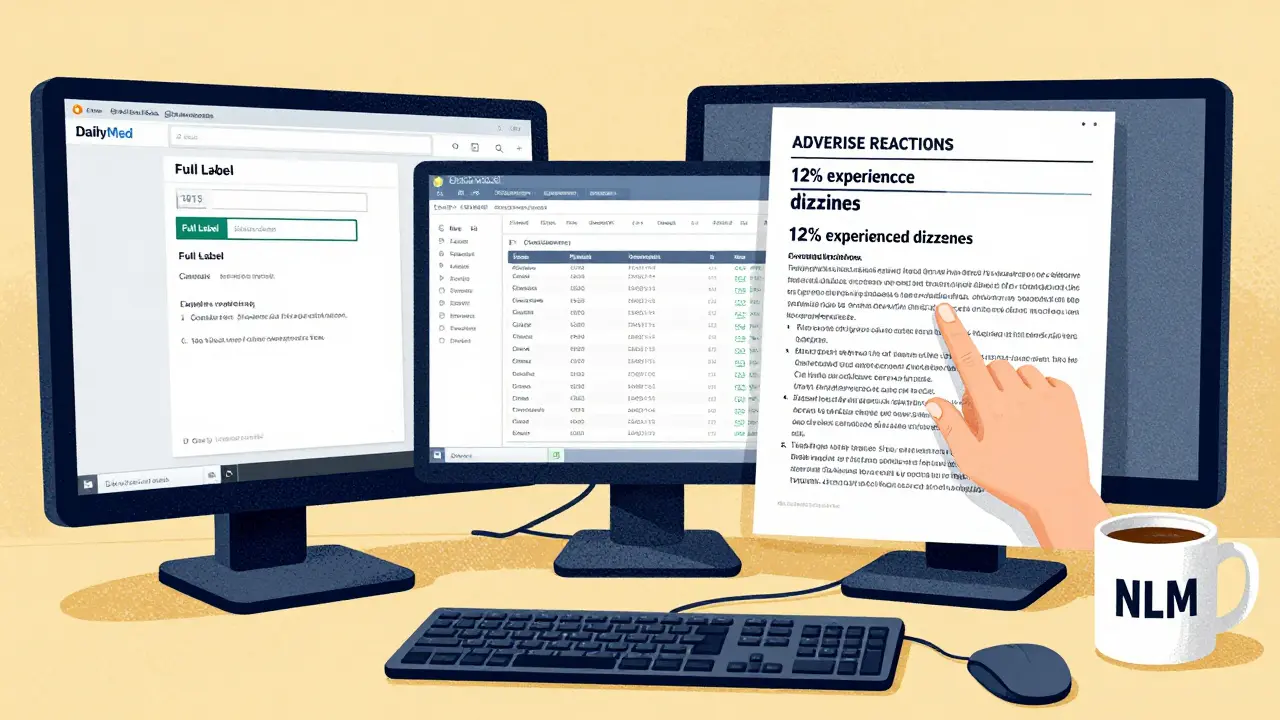
Side effects aren’t listed in one neat bullet point. They’re buried in a section called ADVERSE REACTIONS, usually found in Section 6 of the full label. Here’s how to get there:
- Search for the drug using the methods above.
- Click on the product with the most recent effective date.
- Select Full Label (not the summary or the SPL XML).
- Scroll down or use your browser’s find function (Ctrl+F or Cmd+F) and type ADVERSE REACTIONS.
That section breaks down side effects by frequency: very common (>1/10), common (>1/100 to <1/10), uncommon (>1/1,000 to <1/100), rare (>1/10,000 to <1/1,000), and very rare (<1/10,000). It also lists reactions by system-like gastrointestinal, neurological, or cardiovascular. You’ll see data from clinical trials and post-market reports. Some labels even include percentages from studies, like “12% of patients experienced dizziness in controlled trials.”
Pro tip: If you’re looking for a specific side effect-say, suicidal ideation-you can use the Advanced Search option. Click “Search by Section Title” and type ADVERSE or SIDE EFFECT. This will pull up all drugs with that term in their label, which is useful for comparing risks across medications.
What DailyMed Doesn’t Do Well (And How to Work Around It)
DailyMed is powerful, but it’s not user-friendly. Its interface hasn’t changed much since 2015. You can’t click a button to jump straight to side effects. You can’t sort results by severity. You can’t compare two drugs side by side. That’s why many clinicians still use commercial tools like Micromedex or Lexicomp-they’re faster.
But here’s the catch: those tools cost money, and they sometimes lag behind DailyMed by days or weeks. A 2025 NLM survey found that 68% of users struggled to find the adverse reactions section on their first try. If you’re new to DailyMed, expect to spend 15-20 minutes on your first search. The second time will be easier.
Here’s how to cut through the clutter:
- Use the NDC code if you have it. It’s the most precise way to find your exact drug.
- Always check the Effective Time date. If it’s older than 3 months, the label might be outdated.
- Look for the Boxed Warning section first. It’s the FDA’s highest-level safety alert. If it’s there, pay attention.
- Download the full label as a PDF. You can annotate it, save it, and share it with patients or colleagues.
DailyMed vs. FDALabel: Which One Should You Use?
There’s another FDA tool called FDALabel. It’s more advanced. You can search across all labels for specific phrases, filter by drug class, or export results to Excel. It’s great for researchers, pharmacists doing audits, or anyone doing deep analysis.
But FDALabel doesn’t show you the full label document. It only gives you metadata-like which section contains a keyword. If you need the actual text, the real warnings, the exact wording used by the manufacturer-you still need DailyMed. Think of it this way:
- DailyMed: The original document. The raw, official label.
- FDALabel: The index to those documents. Good for finding which labels mention a side effect, but not for reading the details.
For most people-doctors, nurses, pharmacists, patients-the goal is to read the label. That’s DailyMed. FDALabel is a bonus tool for power users.

What’s Coming Next
DailyMed isn’t static. In June 2025, it rolled out a new search algorithm that improved side effect search relevance by 40%. A major redesign is expected in Q1 2026, with a mobile-first interface that will let you tap directly into the adverse reactions section. The FDA is also working on linking DailyMed to its adverse event reporting system (FAERS), so if a new safety signal emerges, you’ll see it tied directly to the drug label.
For now, though, DailyMed remains the only place where you can be 100% sure you’re seeing the FDA’s latest official drug information. No third-party filter. No corporate summary. Just the truth as submitted by the manufacturer and approved by the FDA.
Is DailyMed free to use?
Yes. DailyMed is a free public service provided by the National Library of Medicine. No registration, subscription, or payment is required. All drug labels are available for download and reuse without restriction.
Can I use DailyMed to check side effects for my pet’s medication?
Yes. DailyMed includes labeling for animal drugs as well as human medications. Just select the "Animal" filter during search. Many veterinarians use DailyMed to verify dosing and side effects for off-label uses in pets.
Why do I see multiple labels for the same drug?
Different manufacturers produce the same generic drug, and each submits its own label. Even if the active ingredient is identical, the inactive ingredients, dosing instructions, or warnings can vary. Always pick the label that matches the exact NDC on your prescription.
How often is DailyMed updated?
DailyMed is updated daily. As soon as the FDA receives a new or revised drug label from a manufacturer in SPL format, it’s published on DailyMed within 24 hours. This makes it the fastest public source for updated safety information.
Is DailyMed reliable for patients, or just for professionals?
It’s reliable for everyone. While the language is technical, the information is accurate and complete. Patients can use it to understand what their doctor or pharmacist is telling them. Many use it to double-check side effects before starting a new medication. Just be aware that some terms may need clarification-consult a pharmacist if unsure.
Can I download the full drug label?
Yes. On each drug page, click the "Download" button to get the full label as a PDF or XML file. The PDF version is easiest to read. The XML version is used by software systems that integrate drug data into electronic health records.
What if I can’t find a drug on DailyMed?
If a drug isn’t listed, it may be very new (less than 30 days since FDA approval) or not submitted in SPL format. Some compounded drugs, medical gases, or devices aren’t included. If you’re certain the drug is approved, try searching by NDC or manufacturer name. If still missing, contact the NLM Customer Support Center.
Next Steps
Start with one drug you’re curious about. Type its name into DailyMed. Find the full label. Scroll to the ADVERSE REACTIONS section. Read it. Compare it to what your pharmacist told you. You’ll likely find more detail than you expected. That’s the point. DailyMed doesn’t make things easy-but it makes them true.