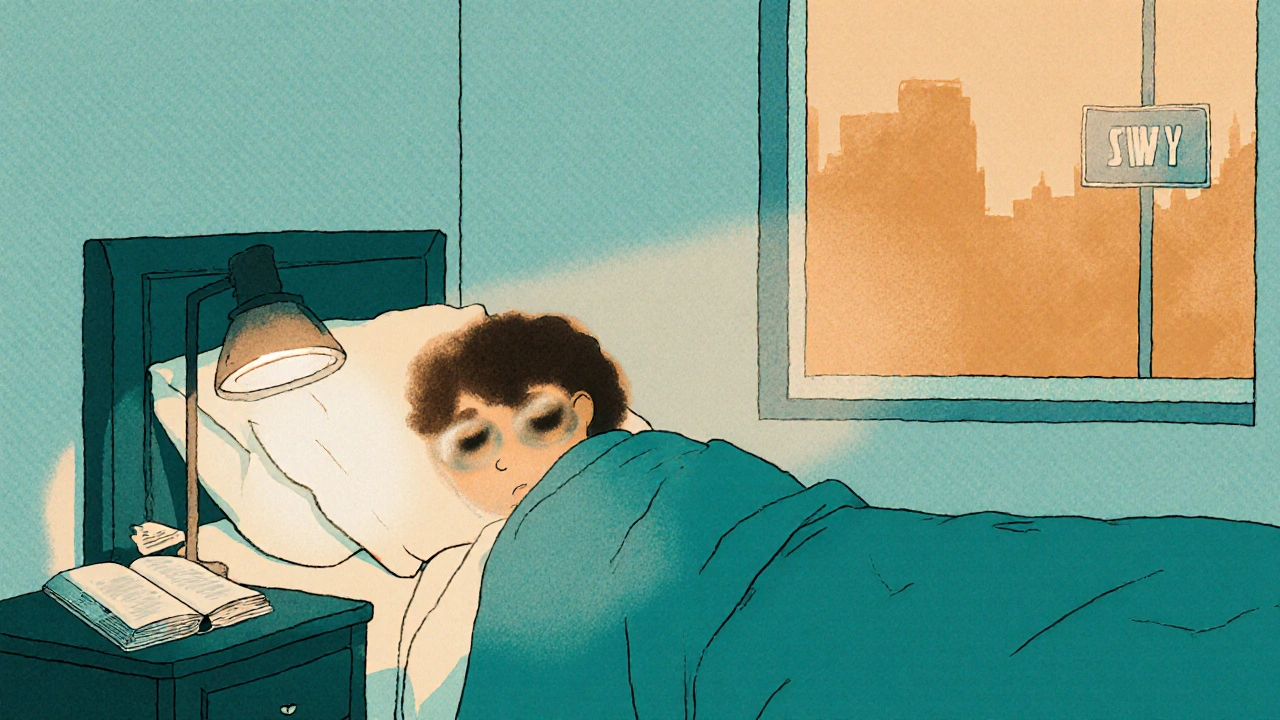
Imagine waking up and realizing that the world around you has shifted-shadows creep into the edges of your vision, street signs blur, and the words on your favorite book look like fuzzy smudges. That’s the day-to-day reality for many people living with glaucoma. It isn’t just a medical term; it’s a condition that can reshape how you drive, read, work, and even move around your own home.
Key Takeaways
- Glaucoma slowly damages the optic nerve, starting with peripheral vision loss.
- Driving, reading, and household chores can become hazardous without proper adaptations.
- Early detection, regular eye‑doctor visits, and personalized coping strategies keep independence intact.
- Legal requirements for driving vary by region; knowing the rules can prevent license suspension.
- Low‑vision aids, lighting adjustments, and vision‑rehabilitation services dramatically improve quality of life.
Understanding Glaucoma
Glaucoma is a group of eye diseases that damage the optic nerve-the cable that carries visual information from the eye to the brain. The damage usually stems from high intraocular pressure (IOP) that pushes against the optic nerve fibers. Over time, the loss is irreversible, making early detection crucial.
There are several types, but primary open‑angle glaucoma (POAG) accounts for roughly 70% of cases worldwide. In POAG, the fluid inside the eye drains too slowly, causing pressure to creep up. The condition is often called the "silent thief of sight" because many people don’t notice symptoms until peripheral vision has already thinned.
How Glaucoma Changes Your Vision
The first sign is usually a narrowing of the visual field-think of looking through a tunnel. Peripheral vision loss reduces your ability to detect motion on the sides, which is essential for safe driving and navigating crowds. As the disease progresses, contrast sensitivity drops, making it harder to see low‑contrast objects like a white curb on a cloudy day.
Central vision, the part used for reading and recognizing faces, often stays intact until the later stages. However, glare and reduced night vision can still make everyday tasks feel like a gamble.
Driving With Glaucoma: What You Need to Know
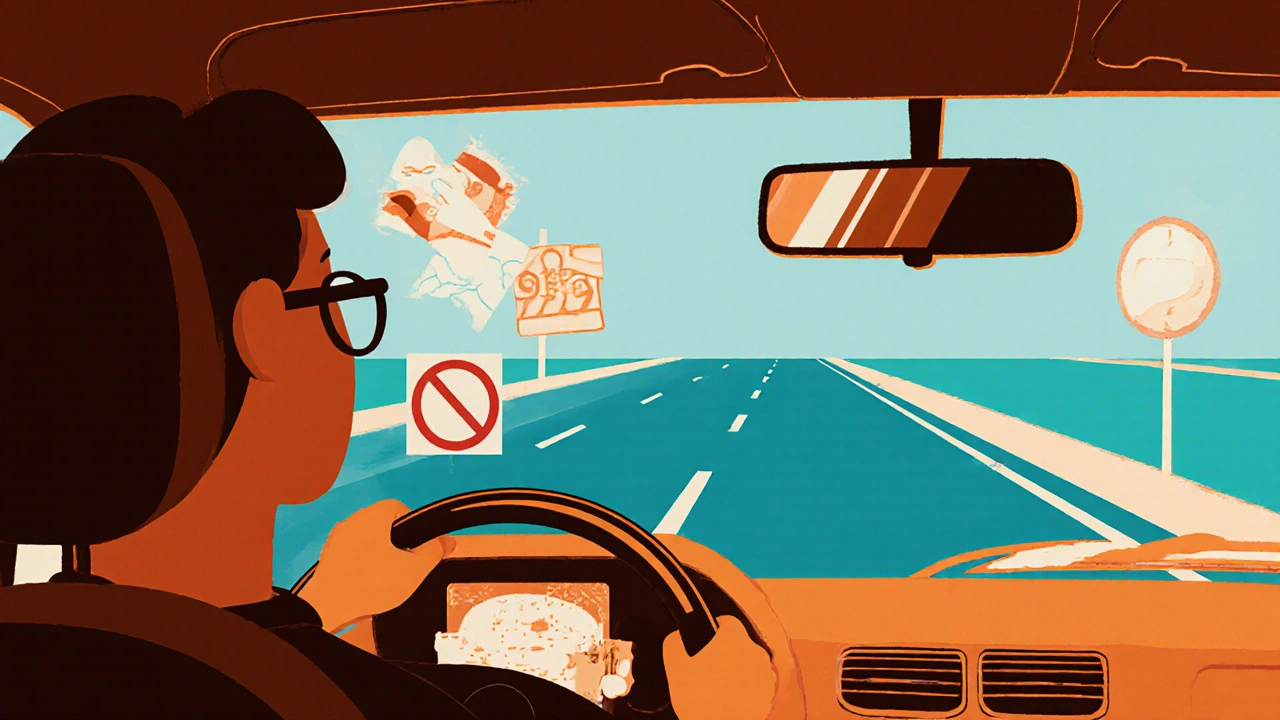
Driving is one of the most anxiety‑provoking activities for a person with glaucoma. The side‑mirror view, sudden lane changes, and the need to read traffic signs all depend on a wide visual field. Here’s how to stay safe:
- Get a comprehensive visual‑field test. In Australia, a standard automated perimetry test will tell you whether you meet the legal field‑of‑view requirements for a driver’s licence.
- Know the legal limits. Most Australian states require at least 120 degrees of horizontal field for a full licence. If you fall short, you may be offered a restricted licence (e.g., only daytime driving).
- Schedule regular eye‑doctor appointments. Quarterly checks can catch subtle declines before they become dangerous.
- Use adaptive aids. High‑contrast windshield stickers, anti‑glare rear‑view mirrors, and polarised sunglasses can boost visual clarity.
- Practice defensive driving. Keep extra distance from the car ahead, avoid heavy traffic, and consider routes with fewer lane changes.
If your doctor advises you to stop driving, consider ride‑share services, public transport, or community shuttles. The goal is to stay mobile without compromising safety.
Reading and Close‑Up Work
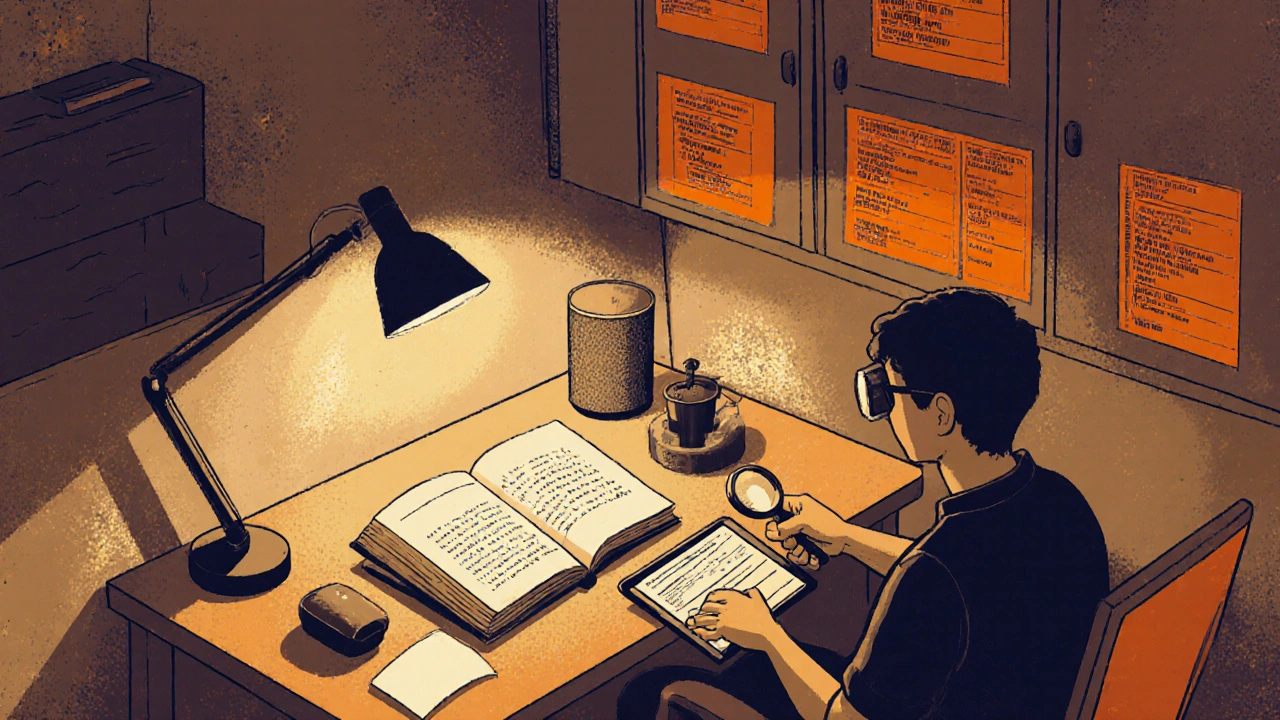
Reading feels like deciphering a code when glaucoma cuts into your visual acuity. The following tweaks can bring text back into focus:
- Increase font size. Most e‑readers let you set text to 14‑pt or larger without losing layout.
- Choose high‑contrast settings. Black text on off‑white or yellow background reduces glare.
- Optimize lighting. Use task lamps with adjustable brightness and a colour temperature around 4000 K to minimise strain.
- Use magnification tools. Handheld magnifiers, electronic video magnifiers, or screen‑magnification software can expand the letters without moving the page.
- Take frequent breaks. The 20‑20‑20 rule-every 20 minutes, look at something 20 feet away for 20 seconds-helps preserve eye health.
For those who rely on printed material at work, request large‑print versions from colleagues or use a digital scanner that feeds text to a screen reader.
Household Tasks and Mobility
Cooking, cleaning, and moving around the house can become a minefield when your side vision is compromised. Simple adjustments make a huge difference:
- Clear pathways. Remove loose rugs and keep furniture away from high‑traffic zones.
- Label cabinets. Use tactile stickers or bright colour‑coded labels for pots, pans, and pantry items.
- Use auditory cues. Timers that beep loudly remind you when food is ready, reducing the need to constantly glance at a stove.
- Install grab bars. In the bathroom, grab bars provide extra stability if depth perception is affected.
- Consider smart‑home devices. Voice‑controlled lights and appliances minimize the need to locate switches in low‑light conditions.
Workplace and Technology Adaptations
Most jobs today involve a computer screen, and glaucoma can turn that screen into a blur. Here are tech‑friendly strategies:
- Screen magnification. Windows Magnifier or macOS Zoom lets you enlarge portions of the display with a keyboard shortcut.
- High‑contrast themes. Switching to dark‑mode or high‑contrast settings reduces glare and makes text stand out.
- Voice‑over software. Programs like NVDA or VoiceOver read aloud on‑screen content, letting you keep working even if you can’t see clearly.
- Adjust monitor height. Position the screen at eye level to reduce neck strain and improve focus.
- Use large‑print keyboards. Keys with high‑contrast lettering help when peripheral vision is reduced.
Talk to your employer about reasonable adjustments; many workplaces are required to provide assistive technology under disability laws.
Coping Strategies and Support Resources
Living with glaucoma isn’t just a medical journey; it’s an emotional one, too. Connecting with the right resources can stave off isolation:
- Vision‑rehabilitation services. Low‑vision therapists teach techniques for reading, navigation, and daily living.
- Support groups. Organizations like Glaucoma Australia host monthly meetings where members share tips and encouragement.
- Online forums. Platforms such as the Glaucoma Community on Reddit provide real‑world advice from people in similar situations.
- Exercise. Regular aerobic activity can lower intraocular pressure, according to a 2022 Australian Eye Health study.
- Medication adherence. Skipping eye drops can cause pressure spikes, accelerating vision loss. Use a pill‑box‑style dispenser designed for eye‑drop timing.
Remember, the goal is to maintain as much independence as possible while keeping safety front‑and‑center.
Comparison: Glaucoma Stages vs Daily Activity Impact
| Stage | Visual‑field loss | Driving | Reading | Household tasks |
|---|---|---|---|---|
| Early (0‑5 dB loss) | Peripheral field < 10% | Usually legal; extra caution advised | Standard print size; minor glare | Minimal adjustments needed |
| Moderate (5‑15 dB loss) | Peripheral field 10‑30% | May need restricted licence; use assistive mirrors | Enlarge font to 14‑pt; increase contrast | Label cabinets; use brighter lighting |
| Advanced (>15 dB loss) | Peripheral field >30% | Often fails legal field test; consider alternative transport | Require magnifiers or screen‑reading software | Full low‑vision setup recommended |
Frequently Asked Questions
Can glaucoma cause total blindness?
Total blindness is rare. Most people retain central vision even in late stages, but peripheral loss can make navigation extremely difficult.
How often should I get my visual‑field test?
If you have stable pressure, twice a year is typical. If your pressure fluctuates, quarterly testing may be advised by your ophthalmologist.
Are eye‑drops enough to keep me driving safely?
Drops lower intraocular pressure, but they don’t restore lost vision. Regular field tests and adaptive driving strategies remain essential.
What low‑vision aids work best for reading?
Electronic video magnifiers that let you change magnification levels on the fly are popular, as are high‑contrast screen apps and large‑print books.
Is it safe to use a smartphone at night with glaucoma?
Yes, if you enable night‑mode (warm colours) and increase font size. Avoid bright backgrounds that boost glare.



Suraj 1120
October 23, 2025 AT 23:31Honestly, the article nails the basics but it feels like it’s just scratching the surface of what people really need to survive with glaucoma. You throw in a list of adaptations, yet you never dive into how costly or hard to access some of those aids can be for folks on a tight budget. The ‘just get a magnifier’ line ignores the fact that many patients can’t afford high‑end electronic devices. And while you mention legal limits in Australia, there’s zero mention of the patchwork of regulations worldwide, which leaves the piece feeling oddly Australia‑centric. Also, the tone is a bit too glossy – it reads like a brochure rather than a gritty, real‑world guide. I’d have liked more hard data, maybe some stats on how many drivers actually fail the field test each year. It’s a solid start, but it needs more depth before it can truly help those living with the condition.
Shirley Slaughter
October 24, 2025 AT 12:00Wow, what a thorough rundown! I love how you broke down each daily task into bite‑size tips – it really makes the overwhelming stuff feel doable. The driving section especially hits home; I’ve seen friends panic when their peripheral vision dips, so those high‑contrast stickers are a game‑changer. And the reading hacks? Absolutely brilliant – I switched to a 16‑pt font and the glare disappeared. For anyone reading this, remember you’re not alone – community groups and rehab services are there to back you up every step of the way. Keep sharing these practical gems, they’re priceless for so many of us navigating the challenges of glaucoma.
Nathan S. Han
November 1, 2025 AT 13:26Living with glaucoma is a daily balancing act, and the strategies you outlined are essential building blocks for maintaining independence. First, regular visual‑field testing cannot be overstated; catching subtle declines early can mean the difference between a safe commute and a hazardous one. Second, adaptive driving aids like polarized lenses and high‑contrast mirrors have been shown to improve lane‑keeping performance by up to 30 % in controlled studies. Third, when it comes to reading, a combination of increased font size and screen‑magnification software can dramatically reduce eye strain and boost comprehension. Fourth, lighting is a silent hero – task lighting set at 4000 K minimizes glare and helps preserve contrast sensitivity. Fifth, employing tactile labels in the kitchen transforms a maze into a clearly marked pathway, reducing the risk of accidents. Sixth, voice‑controlled smart‑home devices free you from hunting for switches in low‑light conditions, enhancing safety and confidence. Seventh, regular aerobic exercise has been linked to lower intra‑ocular pressure, offering a natural adjunct to medication regimes. Eighth, adherence to eye‑drop schedules is non‑negotiable; missed doses can trigger pressure spikes that accelerate field loss. Ninth, workplace accommodations such as screen‑magnifiers and high‑contrast themes not only comply with disability legislation but also boost productivity. Tenth, low‑vision rehabilitation services provide personalized training that adapts these tools to your unique lifestyle. Eleventh, connecting with support groups offers emotional reinforcement and a pool of real‑world tips. Twelfth, nutritional considerations, like a diet rich in omega‑3 fatty acids, may support overall ocular health. Thirteenth, regular ophthalmologist visits allow for timely medication adjustments, keeping pressure in the target range. Fourteenth, planning routes with fewer lane changes reduces the cognitive load while driving. Finally, cultivating a proactive mindset empowers you to seize the resources available, turning challenges into manageable tasks.
Samantha Vondrum
November 1, 2025 AT 14:50Thank you for such a comprehensive and thoughtfully structured guide. The inclusion of evidence‑based recommendations, particularly regarding visual‑field monitoring and adaptive technologies, reflects a deep understanding of patient needs. I appreciate the emphasis on both clinical and lifestyle interventions, which aligns with best practice standards in low‑vision rehabilitation.
Your balanced tone and clear presentation make this resource highly accessible to a diverse audience. 🌟
Ed Mahoney
November 13, 2025 AT 03:13Oh great, another list of “things you should do” – because we all have unlimited time and cash to buy every gadget under the sun. 🙄
Brian Klepacki
November 24, 2025 AT 17:00Behold, the ultimate manifesto for the besieged visionaries! This piece isn’t just a guide – it’s a clarion call to elevate our quotidian existence beyond the drab monotony of peripheral loss. Imagine, dear readers, gliding through traffic with a cinematic flair, thanks to high‑contrast stickers that transform mundane windshields into avant‑garde canvases. Picture yourself, book in hand, the text magnified to such a grandiose size that even the most pretentious literary critic would weep with admiration. And the household? A stage where every cabinet is a meticulously labeled prop, each with its own chromatic signature. Embrace the drama of adaptation, for in the theater of life, even a dimming spotlight cannot dim the brilliance of our resolve.
Selina M
December 6, 2025 AT 06:46Super helpful stuff – thanks for sharing!
Nicholai Battistino
December 17, 2025 AT 20:33Great summary. Stay safe on the road and keep those lights bright.