FDA Database Navigator
Not sure where to look? Select the criteria below to find the correct FDA database for your query.
Recommended Database
Best MatchAlso Consider
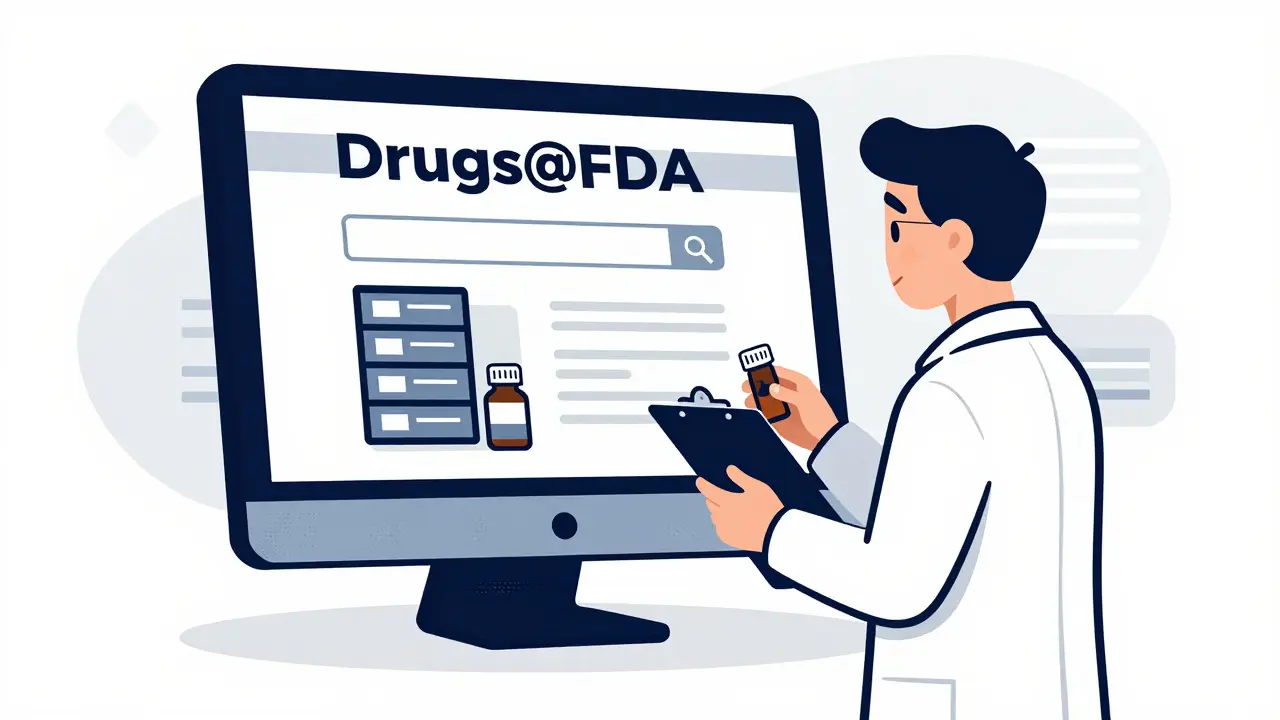
Have you ever needed to verify if a medication is actually approved by the U.S. Food and Drug Administration? Maybe you are a pharmacist checking an obscure generic, a researcher compiling data for a study, or just a curious patient trying to understand your prescription. The answer lies in one specific place: Drugs@FDA is the official online database maintained by the FDA that provides comprehensive information about FDA-approved drug products for human use. It sounds simple enough-just type a name and hit enter. But if you have tried this before, you might know that finding exactly what you need can feel like searching for a needle in a haystack. The interface has quirks. The search logic isn't always intuitive. And there are other FDA databases out there that look similar but serve different purposes. This guide cuts through the noise. We will walk you through exactly how to navigate Drugs@FDA, explain why certain searches fail, and show you when to switch to a different tool entirely. By the end, you will be pulling up approval letters and review documents without breaking a sweat.
What Is Drugs@FDA and Why Does It Matter?
Before we start clicking around, it helps to understand what you are looking at. Drugs@FDA is not just a list of pills. It is a regulatory archive. Created as part of the FDA's digital transparency initiative, this database serves healthcare professionals, researchers, and the public who need direct access to official regulatory documents. The database contains records for most drug products approved by the FDA since 1939. That is a long time. However, the level of detail changes depending on when the drug was approved. For products approved since 1998, you get the full package: complete prescribing information (labels), patient medication guides, approval action packages, and even the internal review documents from FDA medical and pharmacology officers. For older drugs, pre-1998, the information is often more limited. You might find basic approval status and label info, but don't expect to dig into the original clinical trial reviews unless they were digitized later. This distinction is crucial. If you are researching a vintage medication, manage your expectations early. Why does this matter? Because Drugs@FDA allows you to see the 'why' behind a drug's approval. You aren't just seeing that it is legal; you are seeing the evidence the FDA reviewed to make that decision. This supports the agency's mission under the FDA Amendments Act of 2007 to increase transparency without requiring formal Freedom of Information Act requests.
Getting Started: The Three Ways to Search
The homepage of Drugs@FDA looks deceptively simple. There is a big search box. But how you use that box determines whether you get results or frustration. There are three primary ways to query the database:
- By Drug Name: This includes both proprietary names (brand names like Lipitor) and established names (generic names like atorvastatin).
- By Active Ingredient: Useful when you want to find all drugs containing a specific chemical compound.
- By Application Number: This is the pro move. Every approved drug has a unique identifier. New Drug Applications (NDAs) usually start with numbers like 012345. Abbreviated New Drug Applications (ANDAs) for generics have their own format. Biologics License Applications (BLAs) are another category.
The A-Z Index Trap: What You Need to Know
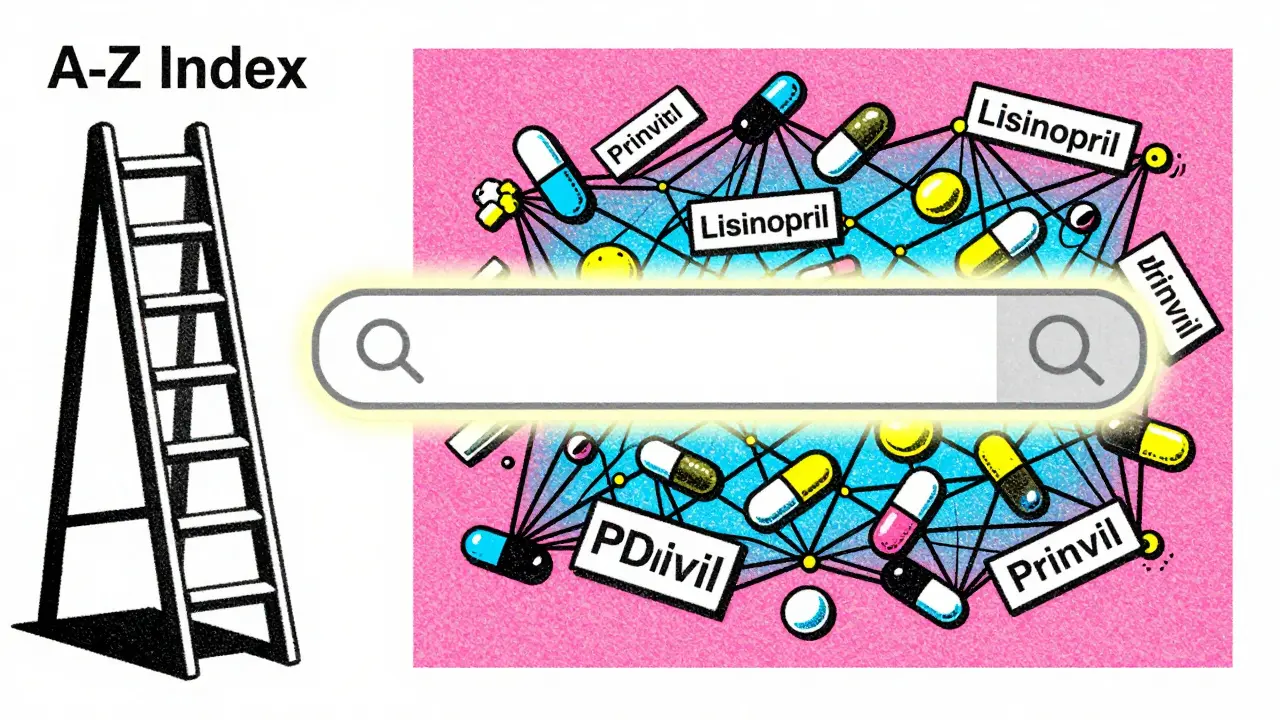
Here is where many users stumble. On the left side of the Drugs@FDA interface, there is an "A-Z Index" feature. It looks convenient. You click 'L' for Lisinopril, and boom-you think you are done. But here is the catch. According to FDA examiner training materials, the A-Z 'Drug Name' search has significant limitations. If you search for 'LISINOPRIL' using the A-Z index, you will only see products where 'Lisinopril' is the exact trade name or established name listed in that specific index entry. You will not see brand name products like PRINIVIL, ZESTRIL, or QBRELIS. You will also miss combination products like ZESTORETIC (which contains lisinopril and hydrochlorothiazide). The A-Z index is rigid. It does not perform the smart matching that the main search box does. So, unless you are browsing alphabetically for fun, avoid the A-Z index for serious research. Use the main search bar on the homepage. Type 'lisinopril' there, and you will get a comprehensive list including brands, generics, and combinations. Save yourself the headache.
Navigating the Results Page
Once you run a proper search, you will land on a results page that lists relevant drug applications. Each row represents a specific product approval. Here is how to read it:
- Product Name: The brand or generic name.
- Active Ingredient(s): What is actually in the pill.
- Application Type: NDA, ANDA, or BLA. This tells you if it is a new drug, a generic copy, or a biologic.
- Approval Date: When the FDA gave the green light.
- Status: Approved, Withdrawn, or Discontinued. Always check this. An old record might still be visible even if the drug is no longer on the market.
- Basic Info: Quick facts about the applicant and manufacturer.
- Labeling: The official Prescribing Information (PI). This is the same text you find in the package insert.
- Reviews: For post-1998 approvals, you can download PDFs of the FDA reviewer's assessment. These documents are fascinating. They reveal safety concerns, efficacy debates, and the final rationale for approval.
- Letters: Correspondence between the FDA and the manufacturer during the approval process.
When Drugs@FDA Isn't Enough: Knowing Your Limits
Drugs@FDA is powerful, but it is not the only tool in the shed. In fact, relying on it alone can lead to gaps in your research. Here is when you should switch tools:
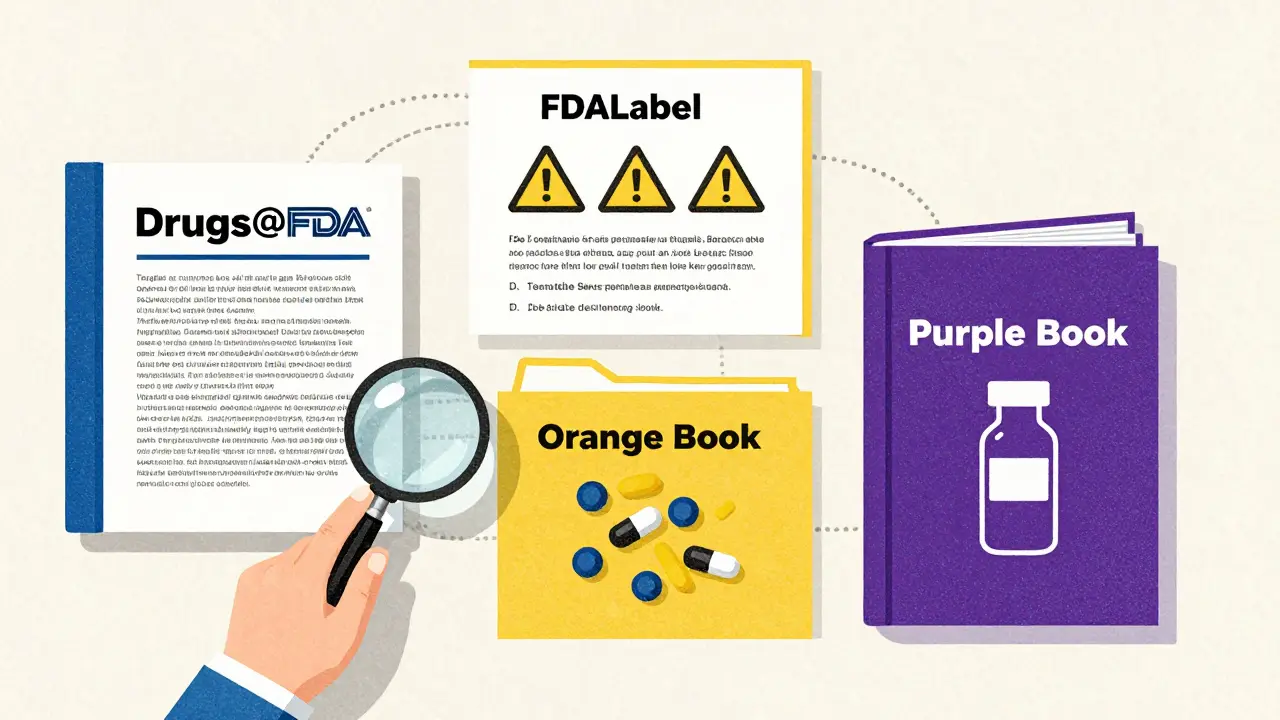
| Database | Best For... | Limitations |
|---|---|---|
| Drugs@FDA | Regulatory history, approval letters, full context of approval. | Weak patent data; poor granular label searching. |
| FDALabel | Searching inside specific sections of labels (e.g., Boxed Warnings, Adverse Reactions). | No approval history; less historical depth than Drugs@FDA. |
| Orange Book | Generic drug equivalence, patents, and exclusivity periods. | Only covers drugs with therapeutic equivalence evaluations; not biologics. |
| Purple Book | FDA-licensed biological products (vaccines, blood products, gene therapies). | Excludes small-molecule drugs (pills/tablets). |
Pro Tips for Efficient Searching
After years of navigating these systems, a few patterns emerge that make life easier:
- Check the Approval Date First: Before diving into reviews, glance at the approval date. If it is pre-1998, stop looking for deep-dive review PDFs. They likely don't exist in the system.
- Use Wildcards Carefully: The search engine supports some wildcard characters, but they can return messy results. Stick to exact names when possible.
- Look for 'Discontinued': Just because a drug is in the database doesn't mean you can buy it. Check the status column. Many older NDAs are listed as discontinued or withdrawn.
- Combine with DailyMed: For the absolute latest version of a drug label, link out to DailyMed. Drugs@FDA hosts the label that was current at the time of approval or last major update. DailyMed reflects the current marketing status.
Troubleshooting Common Issues
Stuck? Here are the most common roadblocks and how to clear them: I searched for a brand name but got zero results. Make sure you spelled it correctly. Also, check if the drug was recently renamed or rebranded. Sometimes companies change the trade name, and the old name redirects to the new NDA. Try searching by the active ingredient instead. The PDF links are broken. This happens occasionally with very old records or large files. Refresh the page. If it persists, try accessing the document via the FDALabel database, which sometimes mirrors the content. I can't find a biologic I know exists. Biologics are licensed, not approved, under a different pathway. While Drugs@FDA includes many biologics, some complex biological products are better tracked in the Purple Book. Cross-check there. Why are there multiple entries for the same drug? Each formulation, strength, or dosage form may have its own application number. A 10mg tablet and a 20mg tablet might share an NDA, but a liquid suspension could be a separate submission. Look closely at the 'Dosage Form' column.
Is Drugs@FDA free to use?
Yes, Drugs@FDA is completely free. It is a public resource provided by the U.S. Food and Drug Administration. No registration, subscription, or login is required to access any of the data or documents.
Does Drugs@FDA contain information about over-the-counter (OTC) drugs?
Generally, no. Drugs@FDA focuses on prescription drugs approved via New Drug Applications (NDAs), Abbreviated New Drug Applications (ANDAs), and Biologics License Applications (BLAs). Most OTC drugs are regulated under monographs rather than individual approvals, so they do not appear in this specific database. For OTC info, check the FDA's OTC Monograph Final Rules.
How often is the Drugs@FDA database updated?
The database is updated daily. New approvals, labeling changes, and regulatory actions are typically reflected within 24 hours of the FDA's official announcement. This ensures that healthcare professionals have access to the most current regulatory status.
Can I download the entire database for offline analysis?
No, Drugs@FDA does not offer a bulk download option for the entire dataset. It is designed for interactive searching. However, you can export individual records or save PDF documents locally. For large-scale data mining, researchers often use the FDA's Open Data portals or FOIA request mechanisms, though those processes are more complex.
What is the difference between an NDA and an ANDA?
An NDA (New Drug Application) is submitted for a new drug that has never been approved before. It includes extensive clinical trial data proving safety and efficacy. An ANDA (Abbreviated New Drug Application) is for generic drugs. It relies on the original NDA's safety and efficacy data, only requiring proof that the generic is bioequivalent to the brand-name drug. In Drugs@FDA, this distinction helps you identify if a product is an innovator brand or a generic copy.